Getting Started
How to Rent Out Your Vehicles with Rentennials Step by Step
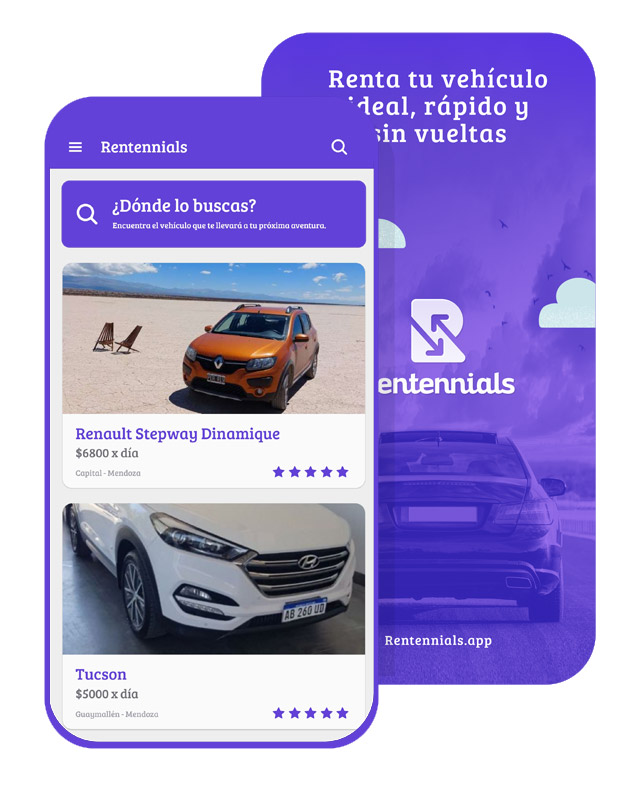
Download the App
Download our app for Android or iPhone. We also recommend enabling automatic app updates so you always have the latest version.
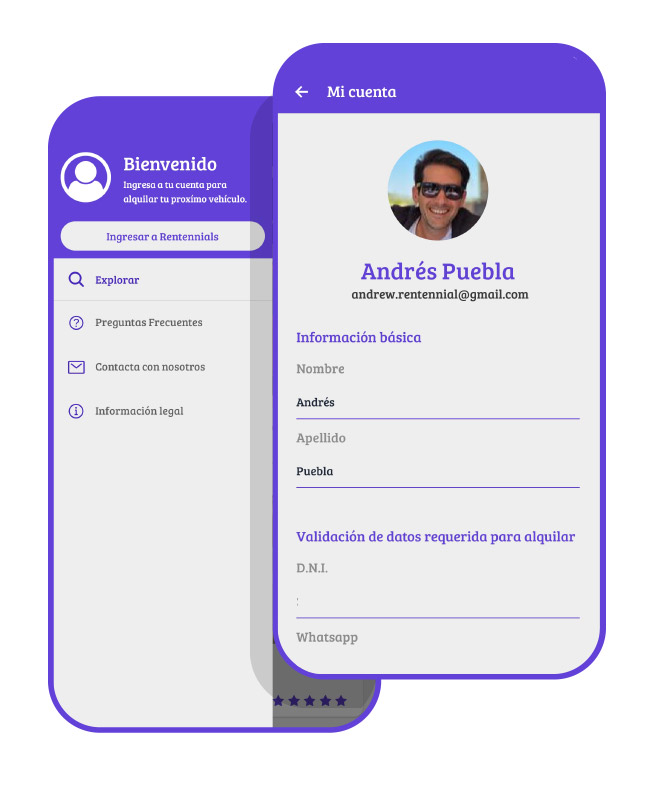
Create Your Profile
You can register using your Facebook, Google account, or your App Store ID. Then, we recommend accessing your profile and filling in your information, including a contact phone number.
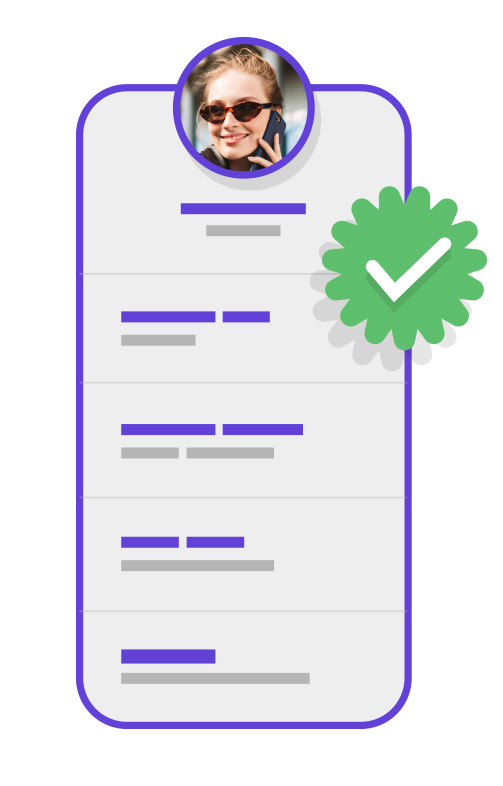
Data Validation
At this stage, our team will verify your information and enable you to list vehicles. The app will notify you once you're ready to publish.
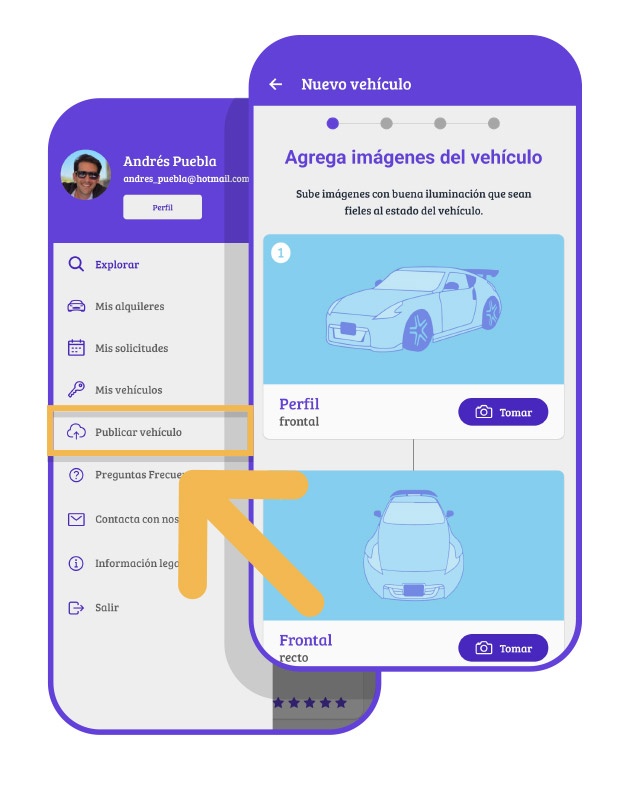
List Your Vehicle
In the dropdown menu, you'll find a new button called List Vehicle. Follow the steps there to upload images and describe the condition of the unit. Remember, you can list as many vehicles as you want.
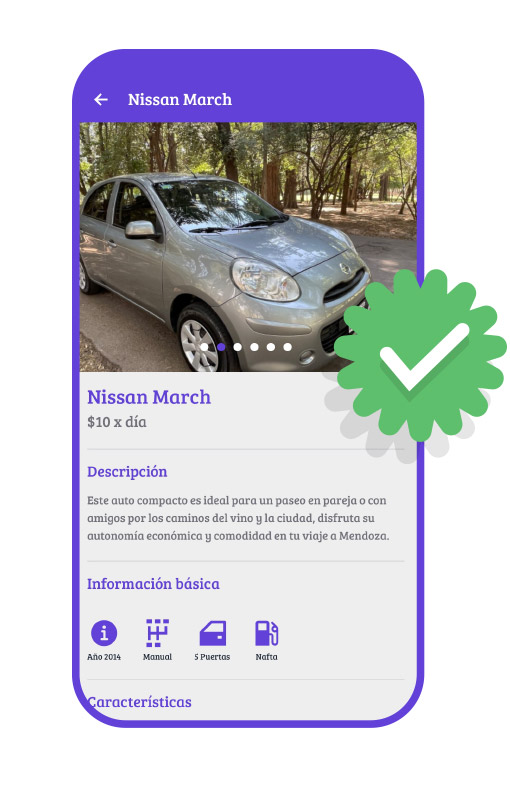
Vehicle Validation
Once again, our team will need to review your listing. If it meets the required standards and quality, your vehicle will be listed in our app and available for rent.
Start Renting
Request Process
Rental Request
When a user sends you a rental request, the app will notify you. You must go to the My Requests section and accept or reject the request under Pending.
Request Accepted
If you approve the user's request, the rental status will move to the Approved section. At this point, the customer will receive a notification to pay for the reservation and continue the process.
Reservation Payment
Once your customer pays for the reservation, you'll receive another notification and the status will change to Confirmed. At this stage, you can contact your customer via WhatsApp and coordinate the vehicle handoff and return.
Request Rejections
All rejected or canceled requests due to non-payment will appear under the Other section and cannot be reactivated, so make sure you're certain before approving or rejecting a request.
Cancel a Reservation
Both you and your customer can cancel a reservation up to 48 hours before the rental begins by using the Cancel Reservation button. This will open a chat with our corporate WhatsApp where you can explain the reason for the cancellation. Final cancellation will be processed manually by our team, and the reservation amount will be refunded.
Third-Party Agreement
Remember that Rentennials provides an intermediation service between you and your customer. We will provide a peer-to-peer rental agreement that both parties must sign before the rental begins. If you have any questions, you can contact our support team via email at ayuda@rentennials.app or via WhatsApp.
Security Deposit
48 hours before delivery, you will see an option in the check-in section to add the security deposit. A hold will be placed on a credit card as a guarantee in case of any unforeseen issues.
Final Recommendations
You must deliver the vehicle clean, in good condition, and with a full gas tank. You can find handoff and return tips in the reservation details.